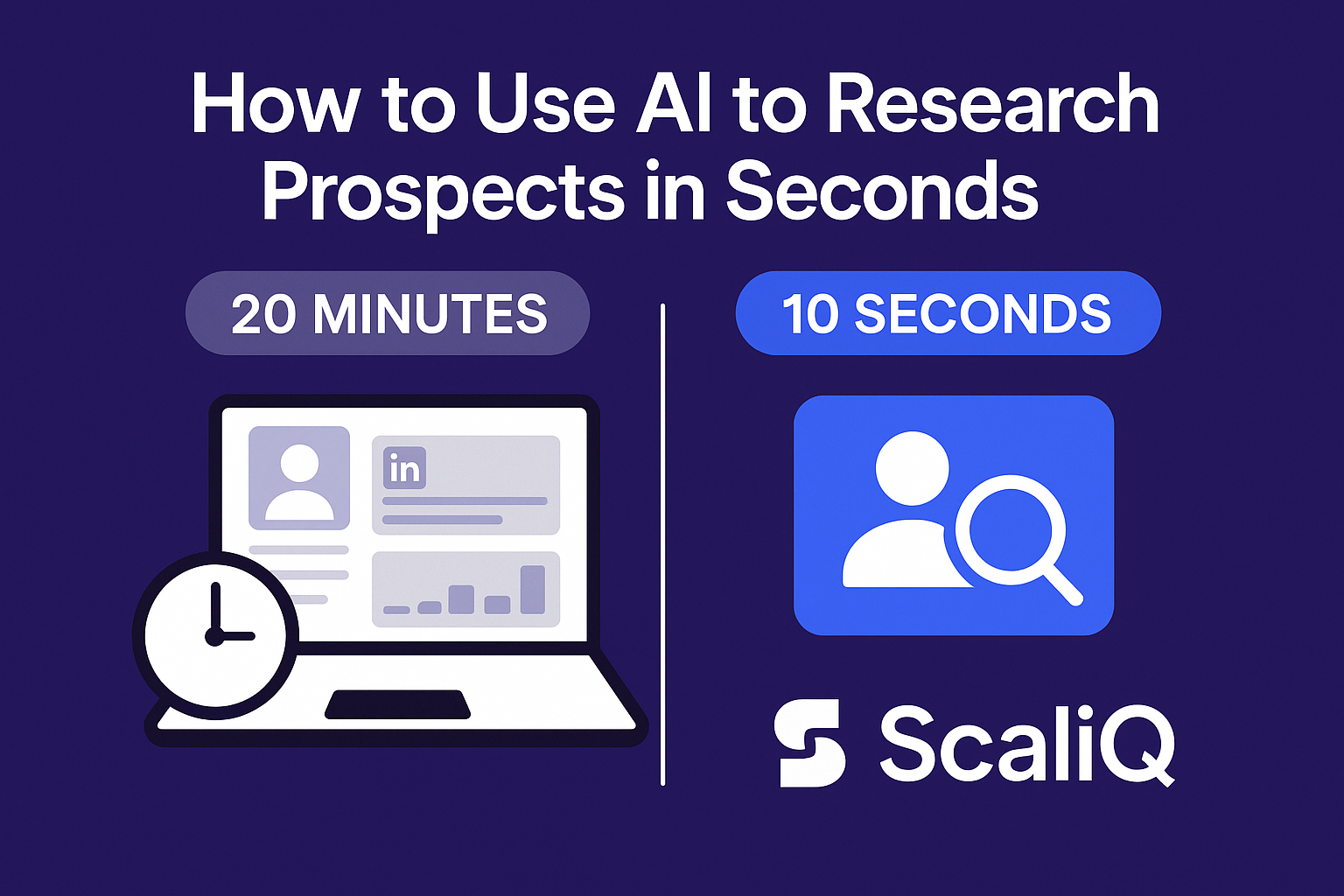
How to Use AI to Research Prospects in Seconds (Instead of 20 Minutes)
Every Sales Development Representative (SDR) knows the feeling: You have a target account, but to write a genuinely personalized email, you need context. You open their LinkedIn profile, click through to their company website, search for recent news, and scroll through their last three months of posts.
Twenty minutes later, you have enough information to write one email.
If you are doing this for 50 prospects a day, the math simply doesn’t work. This bottleneck is the primary reason outbound campaigns often devolve into generic "spray and pray" tactics. However, AI prospect research has fundamentally shifted this dynamic.
By leveraging artificial intelligence, you can collapse that 20-minute research workflow into seconds. Modern tools like ScaliQ allow you to instantly analyze profiles with zero setup, extracting intent signals and crafting relevance without the manual heavy lifting.
In this guide, we will compare the traditional manual workflow side-by-side with the new AI-driven standard, showing you exactly how to execute quick prospect research that scales.
The Real Cost of Manual Prospect Research
The "20-minute rule" is a silent killer of sales productivity. When we break down the anatomy of manual research, the inefficiency becomes glaring. A typical SDR workflow looks like this:
- Profile Scanning (5 minutes): Reading the "About" section, work history, and education.
- Content Review (5-10 minutes): Scrolling through "Activity" to find recent comments or posts to reference.
- Company Context (5 minutes): navigating to the company page or website to understand their current value proposition.
- Synthesis (5 minutes): Connecting these dots to formulate a unique angle.
This process is mentally taxing and incredibly slow. If an SDR spends just 15 minutes per prospect, researching 20 prospects consumes 5 hours of prime selling time. That is nearly a full day of work lost to data gathering rather than selling.
Furthermore, manual research is inconsistent. On Monday morning, an SDR might catch a subtle buying signal in a prospect's recent comment. By Friday afternoon, fatigue sets in, and that same signal is missed. This variability leads to difficulty analyzing LinkedIn profiles at scale, resulting in patchy pipeline performance.
The frustration is palpable: you want to personalize, but the time cost makes it impossible to hit volume targets. This tension between quality and quantity is where most outbound strategies fail. https://repliq.co/blog
Recent studies on AI-driven productivity spillovers (see: [arXiv source]) suggest that automating these cognitive-heavy information retrieval tasks doesn't just save time—it significantly improves the quality of the output by reducing decision fatigue.
How AI Transforms LinkedIn and Web Profile Analysis
AI does not just "read" text; it understands context. When we talk about AI research LinkedIn capabilities, we are referring to Large Language Models (LLMs) that can ingest a public profile and instantly categorize information into usable data points.
Unlike a human, who might skim over a crucial detail about a prospect's past tenure at a competitor, AI processes the entire text block instantly. It can summarize a decade of career history, identify key achievements, and detect tone—all in the time it takes a human to click "See More."
This shift is best understood through the "digital labor productivity framework." By offloading the cognitive load of synthesis to AI, sales reps move from being data gatherers to strategic editors. The AI provides the raw intelligence; the human applies the strategy.
Key Data Points AI Can Instantly Extract
Modern automated lead research tools go beyond basic job titles. They can instantly extract and synthesize:
- Role & Responsibilities: Not just the title, but the inferred authority based on team size and description.
- Career Trajectory: Rapid promotions or recent job changes (a high-intent signal).
- Company Context: Recent funding news, hiring surges, or shifts in company messaging found on public pages.
- Psychographic Signals: Pain points inferred from the language used in their "About" section or recent posts.
Accuracy, Limitations, and Ethical Boundaries
While AI prospect research accuracy is high, it is critical to understand the boundaries. AI models work with probability, meaning they infer patterns.
- Public vs. Private: Ethical AI tools only analyze publicly available data. They do not "hack" or scrape private messages.
- Inference vs. Fact: AI might infer a prospect is "growth-oriented" based on their posts. This is a strategic insight, not a hard fact.
- Compliance: All automated research must adhere to data privacy laws (GDPR/CCPA) and platform terms of service.
Adopting a responsible approach ensures longevity in your outreach strategy. Referencing the [Government AI Ethics Framework] helps organizations establish guardrails, ensuring that automation is used to enhance human connection, not deceive prospects.
A Step-by-Step Automated Research Workflow (From 20 Minutes → 10 Seconds)
Let’s look at a practical comparison. We will contrast the manual approach with an automated prospect enrichment workflow using a tool like ScaliQ.
The Goal: Find a "hook" for a VP of Sales at a Series B tech company.
| Feature | Manual Workflow | ScaliQ Automated Flow |
|---|---|---|
| Time Required | 15–20 Minutes | 10–15 Seconds |
| Process | Open 5+ tabs, read history, copy-paste notes. | Paste one URL (or use a browser extension). |
| Output | Messy notes in a Google Doc. | Structured summary + 3 personalization angles. |
| Mental Load | High (requires synthesis). | Low (requires review). |
Here is how you can execute quick prospect research instantly:
Step 1 — Input LinkedIn Profile or URL
In the manual world, you start by opening the profile and beginning your scan. In the automated workflow, you simply input the LinkedIn URL into the AI tool.
With ScaliQ, this triggers an immediate analysis. There is no complex "waterfall" setup or need to map columns in a spreadsheet. The system is designed to recognize the input as a profile and prepare for extraction.
Step 2 — AI Extracts Key Profile Data
Within seconds, the AI scans the public profile. It captures the prospect's current focus, their past three roles, and any notable keywords in their headline or summary.
Instead of you reading “I help companies scale from $10M to $50M...” and writing it down, the AI tags this as: Goal: Scaling Revenue ($10M-$50M). This standardization is crucial for AI research LinkedIn workflows because it turns unstructured text into structured data.
Step 3 — AI Generates Personalized Insights
This is the magic moment. The AI doesn't just give you data; it gives you insights.
ScaliQ, for example, might return a summary like:
"Prospect recently shifted focus to Product-Led Growth (PLG). Previously worked at Adobe. Likely cares about reducing CAC and improving onboarding flow."
This level of AI sales intelligence provides the "why" behind the outreach, not just the "who."
Step 4 — Apply Insights in Your Outbound Message
Finally, you apply the insight.
- Manual Result: "I saw you are a VP of Sales..." (Generic)
- AI Result: "Noticed your shift toward PLG strategies given your recent posts—curious how that’s impacting your onboarding CAC?" (Specific)
By using outbound personalization AI, you ensure that every message is relevant without spending 20 minutes getting there.
Personalization Benefits from Instant Insights
The primary argument against automation is usually, "It sounds like a robot." This is a misconception. Bad automation sounds like a robot. Good automation provides the research required to sound more human.
Inconsistent outbound personalization is a major issue for sales teams. When humans get tired, they default to templates. AI doesn't get tired. It can find the same high-quality hook for the 100th prospect as it did for the first.
Personalization Templates Powered by AI Insights
You can build "Dynamic Templates" that rely on quick prospect research data points.
Template Structure:
"Hi [Name],
saw you’re focused on [AI_EXTRACTED_GOAL] at [Company]. Given your background at [AI_EXTRACTED_PAST_COMPANY], I imagine you’re seeing [AI_INFERRED_PAIN_POINT].
We help teams solve this by..."
Sales personalization AI fills in those brackets with high accuracy, allowing you to send 50 highly relevant emails in the time it used to take to send 5.
Case Study: Manual vs AI Personalization Line
Let’s look at a real-world difference in output quality.
Prospect: A Marketing Director who posts often about "attribution modeling."
- Manual Line (Rushed): "I see you work in marketing and wanted to connect."
- AI-Generated Line: "Saw your recent focus on attribution challenges—specifically how dark social is messing up your tracking."
The second line proves you did your homework. The difference is that AI sales intelligence did the homework for you in seconds.
How ScaliQ Compares to Other Tools — Without Naming Them Directly
The sales tech landscape is crowded. Many "all-in-one" platforms claim to handle data enrichment, but they often approach it from a database perspective.
Legacy Database Tools:
- Complex Setup: You often need to build "waterfalls" of data providers.
- Stale Data: They rely on databases updated months ago, not live analysis.
- Spreadsheet Heavy: Requires you to be a spreadsheet wizard to extract value.
ScaliQ’s Approach:
- Instant Analysis: Analyzes the live profile right now.
- No Setup: Designed for SDRs, not just Data Ops managers.
- Focus on Insights: Prioritizes the "hook" over just giving you an email address.
While other automated lead research tools force you to integrate three different APIs to get a result, ScaliQ focuses on the end-user experience: Input URL -> Get Insight. It is AI prospecting tools simplified for speed.
Tools & Resources for Faster Prospect Research
To master prospect enrichment tools, you should familiarize yourself with a few key concepts and resources:
- Intent Scoring: Understanding when a prospect is "in market" vs just "a good fit."
- Technographics: Knowing what software stack a company uses (often visible in job descriptions).
- Browser Extensions: Tools that overlay data directly on LinkedIn to minimize tab switching.
As you advance, look for tools that combine these elements. The future of AI sales intelligence lies in consolidating these signals into a single "readiness score."
Future Trends & Expert Predictions
The debate in sales is shifting from "Will AI replace SDRs?" to "How will AI augment SDRs?"
According to recent research on automation (referenced in [arXiv study on automation and augmentation]), the most resilient roles are those that leverage AI to handle routine cognitive tasks while focusing human effort on relationship building.
Expert Predictions:
- Real-Time Buyer Signals: AI will soon monitor prospects 24/7, alerting you the second a relevant event happens (e.g., a hiring freeze is lifted).
- Hyper-Personalization at Scale: We will move beyond text. AI will help generate personalized video scripts or landing pages based on profile research.
- The "Co-Pilot" Model: AI will sit alongside the rep, suggesting the next best action rather than just executing commands.
The future of AI sales intelligence future is bright for those who adapt.
Conclusion
The era of spending 20 minutes researching a single prospect is over. It is simply too costly, too slow, and too inconsistent for modern sales teams.
By utilizing AI prospect research, you can transform a 4-hour daily chore into a 15-minute strategic review. Tools like ScaliQ allow you to maintain the high quality of deep research while achieving the volume necessary to build a healthy pipeline.
Don't let manual data gathering slow you down. Embrace the speed of AI and get back to what you do best: selling.
FAQ
How does AI research a LinkedIn profile in seconds?
AI research LinkedIn tools use Large Language Models (LLMs) to scan the text of a public profile. They identify patterns, keywords, and semantic context instantly, summarizing years of experience and activity into concise insights without human reading speed limitations.
What data can AI extract automatically?
Automated lead research can extract job titles, tenure, past companies, education, volunteer work, and skills. More advanced tools can also infer goals, pain points, and personality types based on the writing style of the prospect's "About" section and posts.
Is AI prospect research accurate?
AI prospect research accuracy is generally very high for factual data (titles, dates). For inferred data (pain points, personality), it is highly effective but should be treated as a strategic guide rather than absolute fact. Always review the insight before hitting send.
Is AI-based research compliant with LinkedIn policies?
Yes, provided the tool adheres to ethical AI research standards. Compliant tools analyze publicly available information (just as a human would) without logging into user accounts to scrape private data or violate terms of service. Always reference the [Government AI Ethics Framework] guidelines when selecting tools to ensure they prioritize privacy and compliance.