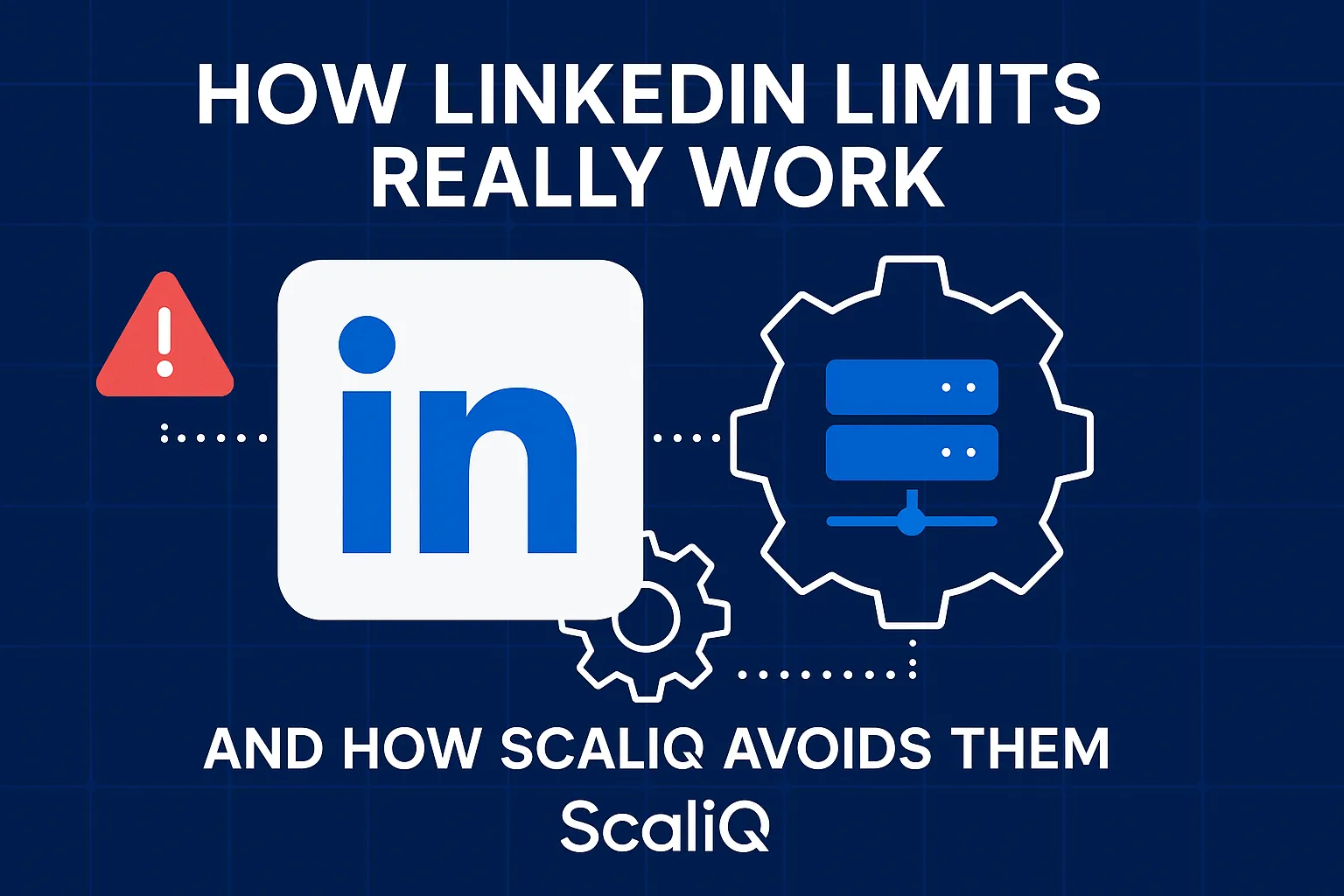
How LinkedIn Limits Really Work — And How ScaliQ Avoids Them
For years, LinkedIn users have operated under a dangerous misconception: the belief that rate limits are fixed, static numbers. You have likely heard the "safe" rules of thumb—send no more than 100 connection requests per week, or view no more than 80 profiles per day. Yet, thousands of users strictly adhering to these "safe" caps still wake up to account restrictions, warnings, and the dreaded request for identity verification.
Why does this happen? Because LinkedIn does not govern user activity with a simple calculator. It governs activity with a complex, machine-learning-driven Trust Score.
LinkedIn’s detection systems are dynamic, not static. They analyze behavioral signals, device fingerprints, and network patterns in real-time. If your account behaves like a centralized bot, even low-volume activity can trigger a ban. Conversely, if your account exhibits high-trust human signals, your limits expand significantly.
This guide exposes the technical reality of LinkedIn’s rate limits, explains the "Trust Score" algorithm, and details how ScaliQ’s distributed architecture avoids the centralized fingerprints that flag traditional automation tools.
How LinkedIn’s Dynamic Rate Limits Really Work
The most persistent myth in LinkedIn automation is the existence of a universal "daily limit." There is no single integer in LinkedIn’s database that applies to every user. Instead, limits are personalized, dynamic thresholds that fluctuate based on your account’s health, history, and current session velocity.
The Mechanism of Dynamic Quotas
LinkedIn utilizes a tiered system of throttling. Rather than a hard stop at a specific number, the platform employs a "token bucket" or "leaky bucket" algorithm for API and action requests.
• Soft Rate Limits (Throttling): This is the first line of defense. If you perform actions too quickly (high velocity), the server delays the response or temporarily blocks that specific action type for a few hours. This is often invisible to the user until a CAPTCHA appears.
• Hard Limits (Restrictions): These are triggered when soft limits are repeatedly hit or when behavioral anomalies are detected. This results in temporary account suspension (24–48 hours) or permanent restriction.
Velocity and Cross-Action Clustering
The system does not just count total actions; it measures velocity—the speed of actions over time. Sending 20 connection requests in 5 minutes is fundamentally different from sending 20 requests over 4 hours, even though the total count is identical. Furthermore, the system looks for "cross-action clustering"—a pattern where a user performs the exact same sequence of actions (e.g., View Profile → Wait 2s → Connect) repeatedly without variation.
To understand how modern web infrastructure handles these variable quotas, we can look to the standard protocols for HTTP throttling. The RateLimit Fields for HTTP standards proposed by the IETF illustrate how servers communicate dynamic remaining quotas to clients based on real-time server load and user tiering. LinkedIn’s internal logic mirrors these principles: your "remaining quota" is recalculated after every interaction based on the trust signals you just provided.
For ongoing updates on how we decode these limit shifts, visit our research hub at https://scaliq.ai/blog.
Understanding the Trust Score and Behavioral Thresholds
If rate limits are the ceiling, your "Trust Score" determines the height of the room. The Trust Score is a hidden, aggregate metric that LinkedIn assigns to every account. It dictates how much leeway you have before triggering a restriction.
What the LinkedIn Trust Score Actually Tracks
The Trust Score is not a fixed number like a credit score, but a dynamic weighting of variables that assess the likelihood of an account being a legitimate human versus a scripted bot. Key components include:
• Account Maturity: Older accounts with established histories generally have higher base limits.
• Connection Acceptance Rate: A low acceptance rate (below 20-30%) signals spam, lowering your Trust Score and tightening your limits immediately.
• Reply Rate: High outbound volume with zero replies indicates low-quality outreach, triggering restrictions.
• Flagged Interactions: If recipients click "I don't know this person" or "Report Spam," your score plummets.
• Identity Verification: Accounts that have successfully passed ID verification often receive a "trust boost," allowing for higher activity volumes.
How ML Models Adapt Your Limit Ranges
LinkedIn employs anomaly detection algorithms that compare your current behavior against your historical baseline and the global average of "normal" users. This is why a sudden spike in activity on a dormant account triggers an immediate ban, while the same volume on an active account does not.
Machine learning models continuously recalibrate your allowed range. If your behavior mimics known bot patterns (e.g., zero scrolling, instant clicks), the model predicts a high probability of automation. Research found in the arXiv academic study on automated account detection highlights how platforms use these predictive models to flag accounts before they even hit a numerical limit, simply based on the "shape" of their traffic.
Why Fixed Daily Caps Don’t Work
This dynamic scoring explains why static "safe lists" fail. A tool that blindly executes 50 actions a day will eventually trigger a warning if the Trust Score drops due to low acceptance rates or robotic timing. The limit is not 50; the limit is whatever your Trust Score allows at that specific moment. If your score drops, your limit might shrink to 10 actions per day instantly. Continuing to push 50 actions against a lowered threshold guarantees a restriction.
What Automation Signals LinkedIn’s Detection Systems Look For
To avoid detection, one must understand what the "detectors" are looking for. LinkedIn’s security engineering focuses on three primary vectors: timing, fingerprinting, and graph anomalies.
Timing Irregularities & Non‑Human Interaction Patterns
Humans are inconsistent. We pause to read, we scroll at variable speeds, and we click buttons with varying latency. Bots are precise.
• Micro-Timing: If a script clicks the "Connect" button exactly 2,000 milliseconds after the page loads, five times in a row, it is flagged.
• DOM Interactions: LinkedIn’s scripts can detect if a mouse cursor physically moved to a button or if the "click" event was fired programmatically via the Document Object Model (DOM).
• Even Spacing: Actions distributed perfectly evenly (e.g., exactly one action every 15 minutes) create a synthetic frequency pattern that is mathematically distinguishable from organic human variance.
Device, Browser, and IP Fingerprint Correlation
This is the downfall of most cloud-based automation tools. When you use a standard cloud automation platform, your account is often run from a data center IP address (like AWS or DigitalOcean) rather than a residential IP.
• IP Reputation: Data center IPs are heavily scrutinized.
• Browser Fingerprinting: LinkedIn collects data on your browser version, screen resolution, installed fonts, and hardware rendering (Canvas fingerprinting). If 500 different accounts are logging in from a server with the exact same Linux server fingerprint and identical screen resolution, LinkedIn correlates them immediately. This is known as "proxy clustering."
Graph-Based Anomaly Detection (Account Behavior Similarity)
Advanced detection goes beyond the individual. Platforms use graph neural networks (GNNs) to detect clusters of bad actors. As detailed in the arXiv “graph embedding approach” study, security algorithms analyze the relationships and shared behaviors between accounts. If a group of accounts sends similar messages, targets the same list of people, and operates during the exact same time windows, the system identifies them as a coordinated botnet. This leads to "chain bans," where one detected account brings down the entire network connected to it.
Safe Activity Frameworks and Adaptive Limit Strategies
To operate safely, you must abandon static limits in favor of adaptive, behavior-first frameworks.
Dynamic Warm‑Up Paths Instead of Fixed Ramps
New or dormant accounts cannot jump straight to high volume. They require a "warm-up" period that establishes a baseline of legitimate activity.
• Week 1-2 (The Trust Building Phase): Focus on manual scrolling, liking posts, and very few connection requests (5-10/day).
• Week 3-4 (The Engagement Phase): gradually increase volume, but prioritize high-intent profiles likely to accept.
• Maturity Phase: Only once the Trust Score is established (via accepted connections and replies) should you approach higher limits.
Crucially, this ramp-up must pause or reverse if the acceptance rate drops.
Velocity, Variance, and Human‑Like Timing
Variance is the key to camouflage.
• Session Spacing: Do not run automation 24/7. Humans sleep and take weekends off.
• Intra-Action Variance: Ensure random delays between actions. If the average wait is 60 seconds, the actual wait should randomly fluctuate between 30 seconds and 180 seconds.
• Action Mixing: Do not just send invites. Mix in profile views, post likes, and message reads to dilute the "spam density" of your session.
Behavioral “Shadow Signals” to Avoid
There are subtle behaviors that act as "shadow signals" for automation:
• The "No-Scroll" View: Loading a profile page and sending a connection request without scrolling down implies the user didn't read the profile.
• Rapid Open-Send: Sending a message milliseconds after the message window opens.
• Batch Acceptance: Accepting 50 incoming connection requests in 10 seconds.
For answers to common questions regarding these specific safety triggers, check our FAQ section at https://scaliq.ai/#faq.
How ScaliQ’s Distributed Architecture Avoids Centralized Footprints
ScaliQ was engineered specifically to counter the detection vectors mentioned above. Unlike traditional cloud tools that aggregate users onto centralized servers, ScaliQ utilizes a distributed architecture that prioritizes individual isolation.
Distributed Execution vs Traditional Cloud Bots
Traditional tools run your account on a virtual machine in a data center. ScaliQ runs distinct execution environments that are isolated from one another. This ensures that your account is associated with a unique, clean digital fingerprint—never sharing an IP or device signature with other users. This isolation prevents the "bad neighbor effect," where another user’s spammy behavior could flag the IP range you are using.
Behavioral Modeling That Adapts to Trust Score Changes
ScaliQ does not rely on static settings. Our system monitors feedback signals (such as latency in LinkedIn’s server responses or CAPTCHA challenges) to estimate the current health of your Trust Score. If the system detects increased friction, it automatically throttles down activity before a hard limit is hit, mimicking a human taking a break. This adaptive pacing is vastly superior to the "set it and forget it" models of competitors like Expandi or Dripify.
Human‑Like Interaction Simulation
We do not just inject API calls. ScaliQ simulates the actual user journey. This includes:
• Natural Cursor Movement: Simulating mouse curves and hover states.
• Reading Pauses: Random pauses consistent with reading headlines or bios.
• Session Flow: Navigating through the feed or search results naturally rather than jumping directly to profile URLs via API.
Eliminating Activity Correlation Across Users
By decentralizing the execution, ScaliQ prevents graph-based detection. Because every user operates with unique timing variances and isolated fingerprints, there is no "common thread" for LinkedIn’s graph embeddings to latch onto. To the detection algorithm, ScaliQ users appear as thousands of unrelated, distinct professionals, not a coordinated cluster.
Case Studies / Real-World Activity Scenarios
High-Volume Account With Dynamic Trust Score Decline
Scenario: A recruiter using a static tool set their limit to 80 invites/day. Their acceptance rate dropped to 15%. Outcome: The static tool kept pushing 80 invites. LinkedIn’s ML model flagged the low acceptance rate and restricted the account on day 4. ScaliQ Approach: ScaliQ would detect the low acceptance rate and automatically reduce the daily volume to 20, shifting focus to profile views to rebuild the Trust Score before ramping back up.
New Account Warm-Up Under Distributed Execution
Scenario: A new sales development representative (SDR) creates an account. Outcome: Attempting to send 30 invites immediately triggers a verification lock. ScaliQ Approach: The system enforces a strict "warming" protocol, starting with engagement-only actions (likes/comments) and limiting invites to <10/day, gradually unlocking capacity as the account age and network density increase.
Recovery from Prior Account Warning or Restriction
Scenario: A user returns after a 24-hour restriction. Outcome: Most users immediately resume previous activity levels, leading to a permanent ban. ScaliQ Approach: The system enters "Recovery Mode," reducing velocity by 75% and randomizing intervals heavily to demonstrate "reformed" human behavior to the monitoring algorithms.
Tools & Resources for LinkedIn Safety
To maintain account safety, rely on data, not guesses.
• ScaliQ Blog: For updates on algorithm changes.
• IETF Standards: Reviewing RateLimit Fields for HTTP helps understand the engineering behind quota management.
• BrowserLeaks: Use tools to check your own browser fingerprint and IP reputation.
Future Trends & Expert Predictions
The era of simple automation is ending. LinkedIn is investing heavily in:
1. Biometric Behavior Analysis: Analyzing how you type and move your mouse to build a "biometric profile" of the user.
2. Advanced Browser Fingerprinting: Moving beyond cookies to hardware-level identification.
3. Semantic Analysis: Using AI to read the content of your messages to detect templated spam.
In this future, only distributed, behavior-adaptive systems like ScaliQ will survive. Centralized cloud bots will become obsolete as they will be unable to mimic the nuance required to pass these new verification layers.
Conclusion
The truth about LinkedIn rate limits is that they are not limits at all—they are dynamic thresholds based on trust. Treating them as fixed numbers is a strategy for failure. To scale your outreach safely, you must align with LinkedIn’s behavioral expectations, not fight against them.
By utilizing a Trust Score-aware approach and ScaliQ’s distributed architecture, you can maintain high-volume outreach without the risk of centralized detection. Do not just automate; emulate.
Ready to scale safely? Explore how ScaliQ’s unique architecture protects your greatest asset—your LinkedIn account.