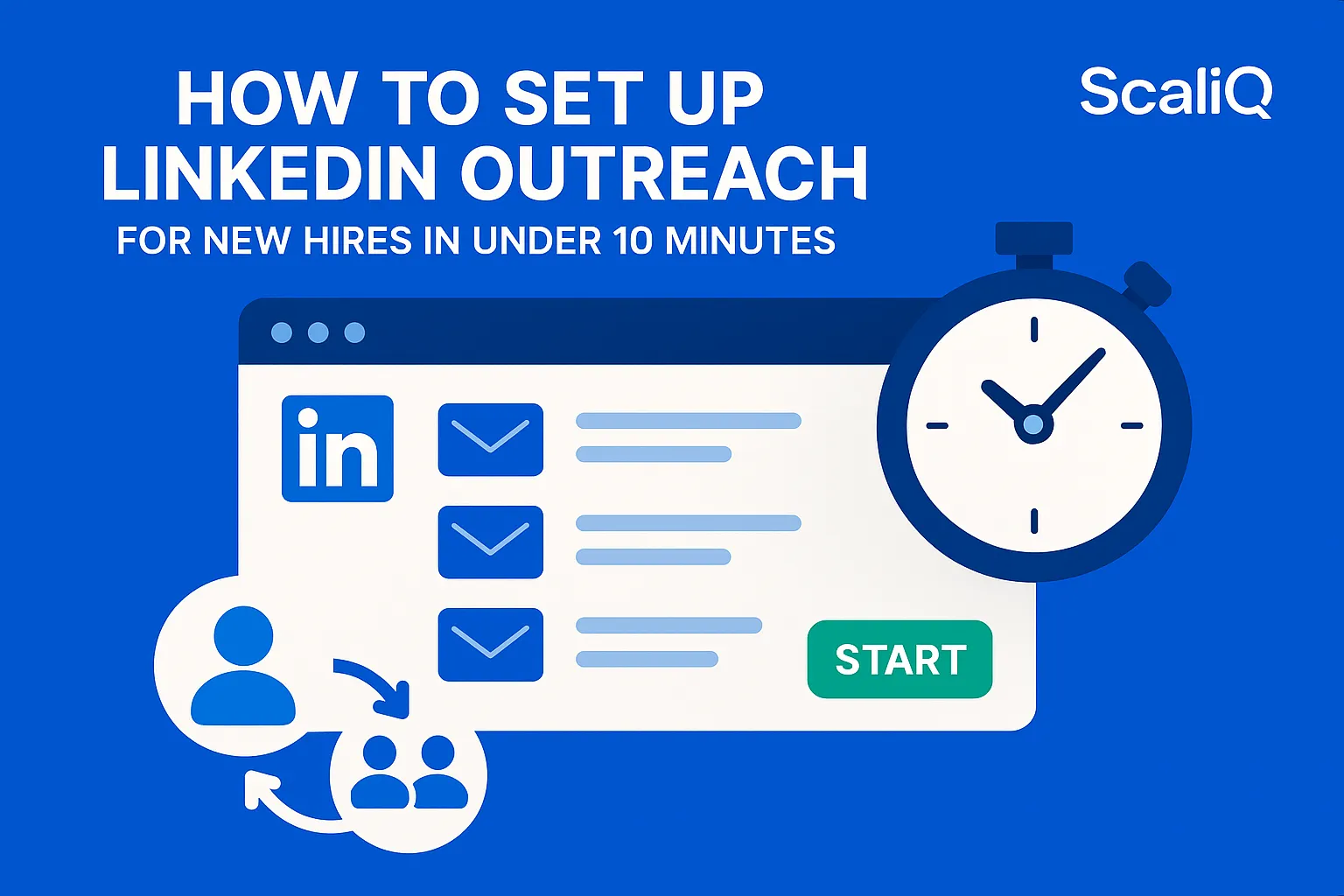
How to Set Up LinkedIn Outreach for New Hires in Under 10 Minutes
For most sales teams, onboarding a new Sales Development Representative (SDR) into LinkedIn outreach is a tedious, multi-day ordeal. Managers spend hours explaining sequence structures, reviewing draft messages, and configuring complex tools, only to find that the new hire’s messaging is inconsistent with the brand voice.
The frustration is palpable: manual steps lead to errors, confusing interfaces slow down momentum, and valuable selling time is lost to administrative setup.
But it doesn’t have to be this way. By leveraging standardized workflows and automation, you can transform a chaotic onboarding week into a precise, beginner-proof process. This guide outlines a proven system to get a new hire fully set up, compliant, and launching campaigns in under 10 minutes.
At ScaliQ, we specialize in ultra-fast outreach onboarding for SaaS companies and agencies. We know that speed-to-lead matters, and this simple linkedin setup is designed to remove the friction between a new hire and their first conversation.
Why LinkedIn Outreach Setup Takes Too Long Today
To solve the speed problem, we first need to understand why the traditional linkedin outreach setup takes too long. The root cause usually isn't the complexity of the platform itself, but the lack of a standardized process.
When a new rep starts, they are often handed a login and a loose set of instructions. They have to manually create sequences, draft opening messages from scratch, and guess at the appropriate daily limits. This manual approach creates a bottleneck where every single step requires decision-making and manager approval.
Furthermore, without a unified system, inconsistency becomes rampant. One rep might write formal, lengthy paragraphs, while another uses casual slang. This lack of cohesion dilutes your brand identity. Research into organizational communication highlights that consistency is critical for maintaining trust and operational efficiency. According to nonprofit communication guidelines, establishing clear principles and standardizing communication protocols is essential for effective outreach and engagement.
While many competitor tools offer automation, they often lack the specific features needed for fast onboarding. They focus on complex, granular customization that overwhelms beginners, rather than simple, replicable workflows. This leaves new hires stuck in the "setup phase" for days rather than executing the linkedin onboarding process efficiently.
The Under‑10‑Minute Automated Setup Workflow
The secret to a fast launch is removing the need for the new hire to "create" anything. Instead, their role during setup should be to "activate" pre-validated assets. Here is the step-by-step workflow to achieve a simple linkedin setup in minutes.
Step 1 — Import or Assign Prebuilt Outreach Sequences
The biggest time-sink for new hires is staring at a blank page. To bypass this, managers should utilize template libraries or assign pre-approved messaging sequences immediately.
By having a library of high-performing scripts ready, you eliminate the drafting phase entirely. The new hire simply selects a campaign relevant to their target persona. This ensures that the messaging is proven to convert before the rep even sends their first connection request.
For more insights on crafting messages that resonate, you can read about message personalization tips here.
Step 2 — One‑Click Sequence Duplication for New Hires
Once the templates are identified, the technical setup should be instantaneous. Modern outreach tools allow for one-click sequence duplication.
Instead of rebuilding a campaign step-by-step (Connection Request -> Delay -> Follow-up 1), the manager or the rep can simply clone an existing, successful flow. This feature alone cuts setup time by over 70%, ensuring team outreach standardization. The new hire inherits the timing, the structure, and the logic of a winning campaign instantly.
Step 3 — Automated Targeting or Lead List Assignment
A beginner linkedin outreach strategy often fails because of poor targeting. New hires may struggle to filter Sales Navigator correctly, leading to irrelevant messaging.
To fix this, the 10-minute workflow relies on assigning team-ready lead lists or importing pre-vetted CSVs directly into the rep's account. This ensures beginner-safe targeting setups where the rep is focused on managing replies rather than hunting for prospects. This is a critical component of a streamlined linkedin automation setup.
Step 4 — Safety Settings & Daily Limits
Compliance is non-negotiable. However, asking a new hire to understand the nuances of LinkedIn's algorithm is risky.
The workflow requires applying "Safety Presets." These are pre-configured outreach limits (e.g., 20 connection requests/day for a warming-up account) that can be applied with a single toggle. This protects the account from being flagged while ensuring the rep adheres to outreach limits without needing to manually calculate them.
Step 5 — Launch, Monitor, and Auto‑Adjust
With the sequence, leads, and safety settings loaded, the rep is ready to launch. The final step is setting up monitoring.
New hires should be taught to look for specific "health check" metrics, such as acceptance rates and reply rates. Advanced setups can include automated adjustments, such as pausing a campaign if the connection rate drops below a certain threshold. Recent workflow automation research suggests that automated monitoring systems significantly reduce human error and improve process reliability in complex digital environments.
How to Standardize Messaging for Every New Hire
Speed is dangerous without control. To ensure that your fast linkedin outreach doesn't result in brand damage, you must standardize how your team communicates.
Use a Centralized Template Library
A centralized template library is the single source of truth for your sales team. It houses every approved script, objection handler, and value proposition.
By forcing all new campaigns to originate from this library, you standardize linkedin messaging across the board. If the marketing team updates the value proposition, it is updated in the library, and all new campaigns reflect that change. This solves the pain point of inconsistent messaging and ensures that even a Day 1 hire sounds like a seasoned expert.
Implement a “Clone-Ready” SDR Starter Pack
To facilitate the linkedin onboarding process, create a "Clone-Ready" SDR Starter Pack. This is a digital folder or workspace containing:
• 3 proven sequence variations (e.g., Cold, Warm, Referral).
• Standardized safety presets.
• A pre-loaded list of 100 safe-to-contact leads.
When a new hire starts, you simply duplicate this entire workspace into their account. They are operational immediately.
Build a Content Approval Flow
For teams that require strict oversight, implementing a content approval flow is vital. This feature allows a rep to set up a campaign, but the system prevents it from launching until a manager clicks "Approve."
This acts as a safety net for outreach compliance. It allows for speed in setup while maintaining a layer of quality control. Secure implementation of these checks is supported by guidance on NIST workflow automation, which emphasizes the importance of authorization and validation in automated processes.
If you want to see how this works in practice, invite users to see how ScaliQ automates team‑wide standardization.
Common Beginner Mistakes and How to Avoid Them
Even with a fast setup, beginners can stumble. Avoiding these common pitfalls ensures the under-10-minute workflow leads to long-term success.
Mistake 1 — Starting from Scratch
The most common error is trying to reinvent the wheel. Beginners often feel the need to write their own "unique" scripts. This kills consistency and wastes time.
• Fix: Mandate the use of templates for the first 30 days. Avoid linkedin outreach mistakes by relying on data-backed scripts.
Mistake 2 — Writing Overly Long or Irrelevant Messages
New hires often try to prove their knowledge by writing essay-length pitches. LinkedIn is a mobile-first platform; long messages are ignored.
• Fix: Enforce the "Phone Screen Rule." If the message requires scrolling on a phone, it is too long. Stick to 2–3 short lines. This is essential linkedin outreach copywriting for beginners.
Mistake 3 — Ignoring Safety Limits
In an effort to hit quota, beginners may manually override safety settings to send more requests. This leads to account restrictions.
• Fix: Lock safety settings at the admin level or use strict automated presets. Respecting linkedin limits is crucial for longevity.
Mistake 4 — Manual Tracking
Using spreadsheets to track who was contacted and when is a recipe for disaster. It is slow, prone to error, and impossible to scale.
• Fix: Rely entirely on the outreach automation tool's dashboard. A beginner linkedin outreach checklist should always include "Verify CRM Sync" rather than "Update Spreadsheet."
Recommended Tools and Templates for Fast Outreach
To execute this 10-minute workflow, you need the right infrastructure. Here are the categories of tools that facilitate fast outreach.
Template Libraries
You need a platform that supports shared libraries. Tools that allow you to tag templates by industry, persona, or outcome (e.g., "Meeting Booked") help reps find the right words instantly.
• Key Feature: Searchable linkedin outreach templates.
Tools for Workflow Automation
When selecting software, look for "Team" features. Many tools are built for solo users and lack the ability to share assets or clone campaigns across accounts.
• Key Feature: One-click account duplication and centralized admin control. These are the hallmarks of effective fast outreach tools and linkedin automation setup.
Checklists & Quick Start Packs
Simple documentation goes a long way. A one-page PDF or a Notion checklist that guides the rep through the 5 steps above ensures they don't miss a beat.
• Key Feature: A visual outreach onboarding checklist that corresponds to the software interface.
Conclusion
The days of week-long onboarding for outreach are over. By shifting from manual creation to automated duplication, you can set up a new hire’s LinkedIn outreach in under 10 minutes. This approach not only saves time but guarantees consistency, compliance, and a simpler experience for beginners.
Speed does not have to come at the cost of quality. With the right templates, safety presets, and automation tools, your new hires can start generating pipeline on their first day.
Ready to streamline your team's process? Invite users to see how ScaliQ automates team‑wide standardization and experience the power of a truly scalable workflow.