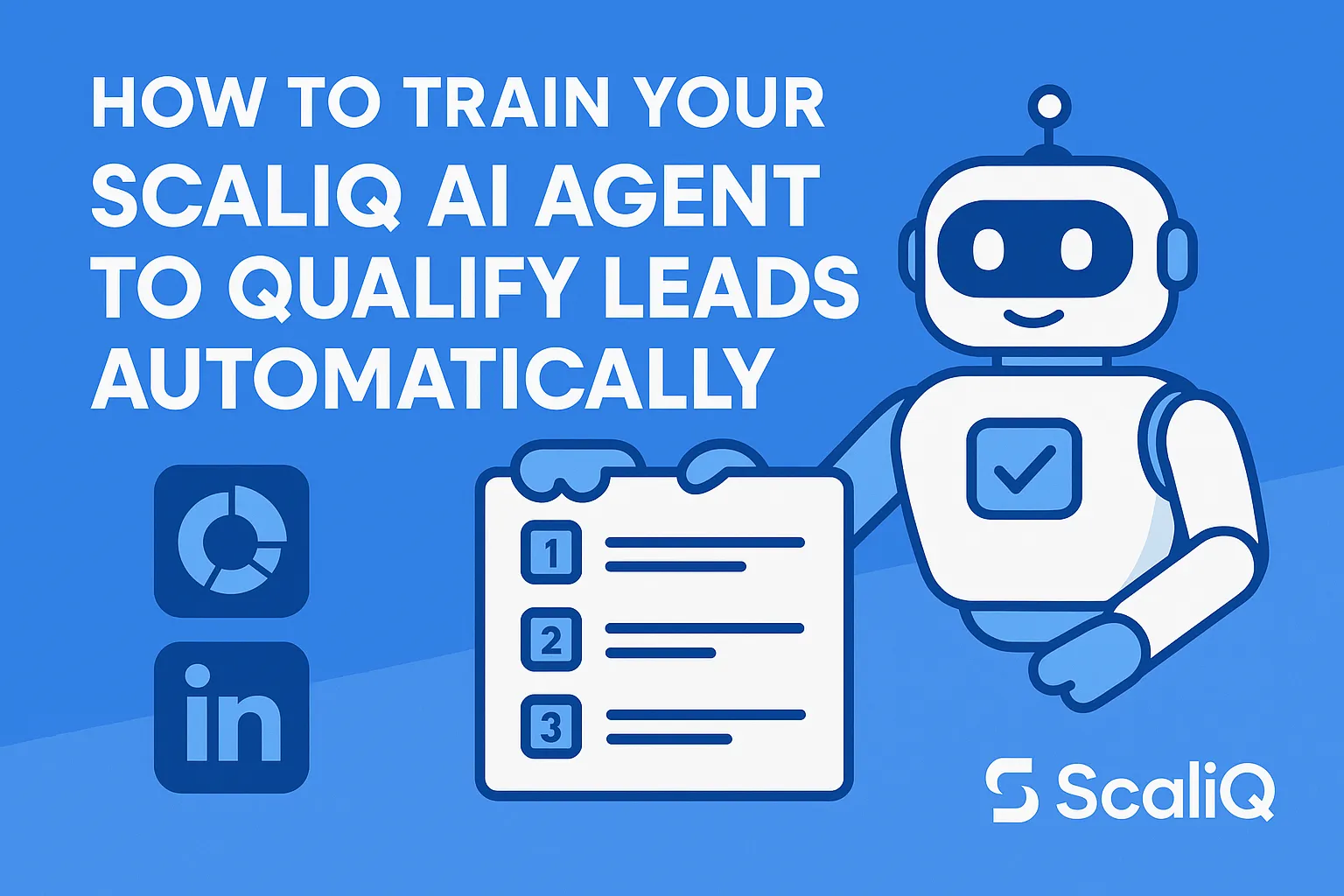
How to Train Your ScaliQ AI Agent to Qualify Leads Automatically
Manual LinkedIn lead qualification is the bottleneck that kills outbound momentum. It is slow, inconsistent, and incredibly difficult for beginners to systemize. You spend hours scrolling through profiles, trying to decide if a "Founder" is actually a fit for your enterprise offer or just a solo consultant. By the time you build a list, the data is often stale, or you are too exhausted to craft compelling copy.
AI-based scoring changes this dynamic entirely. By offloading the repetitive cognitive load of filtering to an intelligent agent, you remove human error and drastically increase outbound quality. Instead of guessing, you rely on data-driven consistency.
This guide provides a beginner-friendly, template-driven approach to training a ScaliQ AI agent. We will cover simple rules, workflow steps, and real examples to help you automate your qualification process today.
ScaliQ is the platform used throughout this guide to demonstrate automated AI qualification.
Why LinkedIn Lead Qualification Is Broken
For most agencies and sales teams, the "manual lead qualification problem" is a silent revenue killer. It involves messy manual checks where SDRs or founders subjectively evaluate profiles one by one. This leads to inconsistent filtering; one day, a prospect with 50 employees is "good," and the next day, they are ignored because the researcher is tired.
The pitfalls for beginners are even steeper. Without clear criteria, beginners often fall into the trap of "gut feeling" qualification. They spend far too much time—sometimes 5 to 10 minutes per lead—analyzing profiles, only to realize the prospect is in the wrong geography or industry.
Automated workflows solve this by applying rigid, objective logic at scale. Unlike a manual researcher who might miss a detail due to fatigue, a LinkedIn AI assistant evaluates every profile against the exact same standard, every single time.
However, automation must be handled responsibly. According to FTC guidance on AI use, businesses must ensure that automated tools do not engage in unfair or deceptive practices. This means your qualification logic should be based on objective business criteria (like company size or industry) rather than biased or discriminatory factors.
See automated scoring in action to understand how consistent logic improves lead quality.
Simple AI Qualification Rules for Beginners
To build an effective automated lead qualification system, you must stop thinking in vague terms like "good fit" and start thinking in binary rules.
Start With Clear, Simple Criteria
If you cannot write the rule down on a napkin, an AI agent cannot execute it reliably. For beginner AI qualification rules, stick to objective data points that appear on a LinkedIn profile or company page.
Here are 3–5 simple qualification criteria for beginners:
1. Industry: Must match a specific list (e.g., "Software Development," "Marketing Services")., Good Rule: "Industry equals SaaS or Software.", Bad Rule: "Companies that look tech-savvy."
2. Role Seniority: Must hold decision-making power., Good Rule: "Title contains Founder, CEO, or VP.", Bad Rule: "Someone important."
3. Location: Must be in a serviceable region., Good Rule: "Location is United States or Canada."
4. Company Size: Must have the budget to pay., Good Rule: "Headcount is between 11 and 50 employees."
Templates You Can Copy Into Your ScaliQ Agent
Once you have your criteria, you translate them into logic your agent can understand. This is often done via prompt templates or boolean logic within ScaliQ.
Template 1: The "Ideal Customer Profile" (ICP) Check
Template 2: The Exclusion Filter
Using these templates helps with ai lead scoring by reducing false positives. By explicitly telling the AI what you don't want (e.g., students or freelancers), you save your sales team from wasting time on bad data.
How AI Agents Interpret LinkedIn Profile Signals
A LinkedIn AI agent doesn't "read" a profile like a human does; it parses signals. Understanding which signals are reliable is key to AI qualification LinkedIn success.
Core Signals AI Can Read Reliably
These are structured data fields that usually have high accuracy because they are user-defined inputs on LinkedIn:
• Current Job Title: The strongest indicator of authority.
• Company Headcount: A proxy for budget and complexity.
• Years in Role: Indicates stability vs. a new hire.
• Keywords in Bio: Specific technical terms (e.g., "Python," "Supply Chain") that indicate niche relevance.
• Location: Country and city data.
Example: If a profile lists "Chief Marketing Officer" at a company with "51-200 employees" in "Austin, Texas," the AI can instantly match this against a "US-based Mid-Market Marketing Leader" persona with 100% accuracy.
Behavioral or Indirect Indicators
Advanced AI outbound agents can also interpret softer signals, though this requires careful calibration. This includes analyzing content themes or recent role changes.
For example, ScaliQ can identify if a prospect recently posted about "hiring" or "expansion," which might signal a buying window. However, interpreting behavior requires ethical guardrails.
As noted in Princeton AI ethics resources, automated systems must be designed to mitigate bias. When analyzing behavioral signals, ensure you are scoring based on business intent (e.g., "posted about software challenges") rather than personal attributes or protected characteristics. ScaliQ’s logic is built to prioritize professional relevance to maintain fairness.
Building an Automated Qualification Workflow
Transitioning from manual work to automated lead qualification requires a structured workflow. Here is how to build it.
Step 1 — Define Data Inputs
Your AI agent needs fuel. The workflow typically looks like this:
1. Source: A LinkedIn Search URL or Sales Navigator list.
2. Enrichment: Extracting public profile data (Title, Bio, Company Website).
3. Scoring: Passing that data to the AI model.
The quality of your ai lead scoring is directly proportional to the quality of the data input. Ensure your enrichment step captures the "About" section and "Company Description," as these provide the context the AI needs to make decisions.
Step 2 — Configure Your ScaliQ Agent
This is where you implement the rules defined earlier. In ScaliQ, you don't need to write code. You simply input your criteria into the agent's configuration panel.
• Set Thresholds: Define what score constitutes a "Qualified Lead" (e.g., 80/100).
• Input Logic: Paste your "ICP Check" templates here.
• Weighting: You might decide that "Job Title" is worth 50% of the score, while "Location" is worth 20%.
Users can set this up with no-code rules directly in the platform.
Step 3 — Automate the Entire Flow
The goal of B2B outbound automation is a "hands-off" experience.
1. Search: The system scans your target search URL.
2. Enrich & Score: The ScaliQ agent processes the data against your criteria.
3. Route:, Qualified (Score > 80): Sent directly to your CRM or email sequencing tool., Unqualified (Score < 80): Discarded or sent to a "nurture" list.
This contrasts sharply with manual setups where data sits in spreadsheets for days. However, speed should not compromise safety. Referencing the NIST AI Risk Management Framework, it is vital to map, measure, and manage risks. In this context, that means regularly auditing your AI's decisions to ensure it isn't rejecting good leads due to a configuration error.
ScaliQ’s Agency‑Ready Logic in Action
To truly understand AI qualification LinkedIn, let's look at real-world scenarios using ScaliQ’s logic.
Example: Scoring SaaS Founders in US/Canada
The Input:
• Profile: Jane Doe
• Title: Co-Founder & CEO
• Company: CloudScale.io (SaaS platform for logistics)
• Headcount: 35 employees
• Location: Toronto, Canada
The ScaliQ Agent Logic:
1. Check Title: Matches "Founder/CEO" (+40 points).
2. Check Industry: Matches "SaaS" (+30 points).
3. Check Location: Matches "Canada" (+20 points).
4. Check Size: Matches "11-50" (+10 points).
Result: Score 100/100. Status: Qualified. The agent identifies this as a perfect match because every criteria block was met. There is no ambiguity.
Example: Filtering Bad-Fit Leads Automatically
The Input:
• Profile: John Smith
• Title: Marketing Intern
• Company: Big Tech Corp
• Location: New York
The ScaliQ Agent Logic:
1. Check Title: Contains "Intern" (Trigger Exclusion Rule).
2. Check Authority: No decision-making power detected.
Result: Score 0/100. Status: Disqualified. This demonstrates automated lead qualification at its best. A human might have wasted 2 minutes clicking the profile. The AI filtered it in milliseconds.
How ScaliQ Differs From Typical Outbound Tools
Many tools simply scrape data. ScaliQ acts as an intelligent filter. It offers agency-ready logic out of the box, meaning it doesn't just look for keywords; it understands context.
Unlike complex enterprise platforms that require Python scripts, ScaliQ focuses on beginner ai qualification rules and templates. It is designed to be explainable. In line with OECD AI principles, ScaliQ prioritizes transparency. You can always see why a lead was scored a certain way, ensuring you trust the ai sales automation process.
Tools, Resources, and Ethical AI Notes
Building an AI outbound agent requires adherence to ethical standards to ensure long-term viability and compliance.
We recommend consulting these authoritative sources when designing your scoring logic:
• NIST AI Risk Management Framework: Essential for understanding how to manage the risks associated with automated decision-making systems.
• FTC Guidance on AI: Provides the legal baseline for truth, fairness, and equity in AI usage for business.
• Princeton AI Ethics Resources: excellent for deep dives into avoiding algorithmic bias in ai lead scoring.
• OECD AI Principles: A global standard for promoting innovative and trustworthy AI that respects human rights and democratic values.
Always ensure your data collection methods comply with platform Terms of Service and local privacy laws (such as GDPR or CCPA). Ethical ai scoring is not just about compliance; it is about building a sustainable business reputation.
Conclusion
Manual qualification is a relic of the past. By training your ScaliQ agent with clear rules, you transform AI qualification LinkedIn tasks from a daily burden into a strategic advantage.
We have covered why the old way is broken, how to define beginner ai qualification rules, and how to build a fully automated workflow. The secret lies in simplicity: clear criteria, reliable signals, and consistent execution.
Ready to stop guessing and start closing? Get your AI agent running in under 10 minutes.